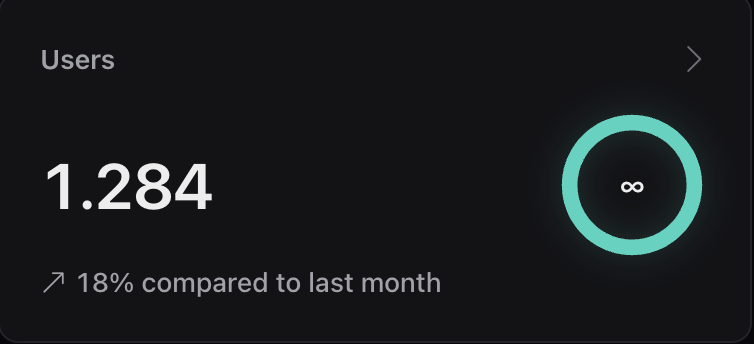
Users
Understand active customers
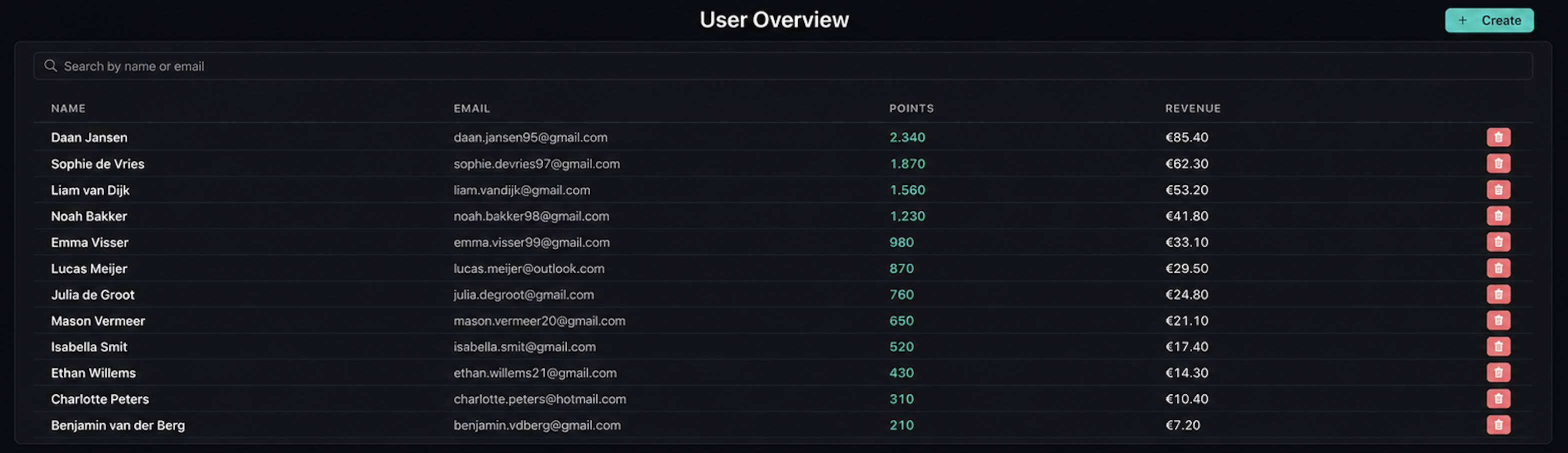
See customer activity, wallet status, points, and visit history in one owner view.
Loyaltree Dashboard brings wallet passes, scanner activity, rewards, customers, locations, and team controls into one place.
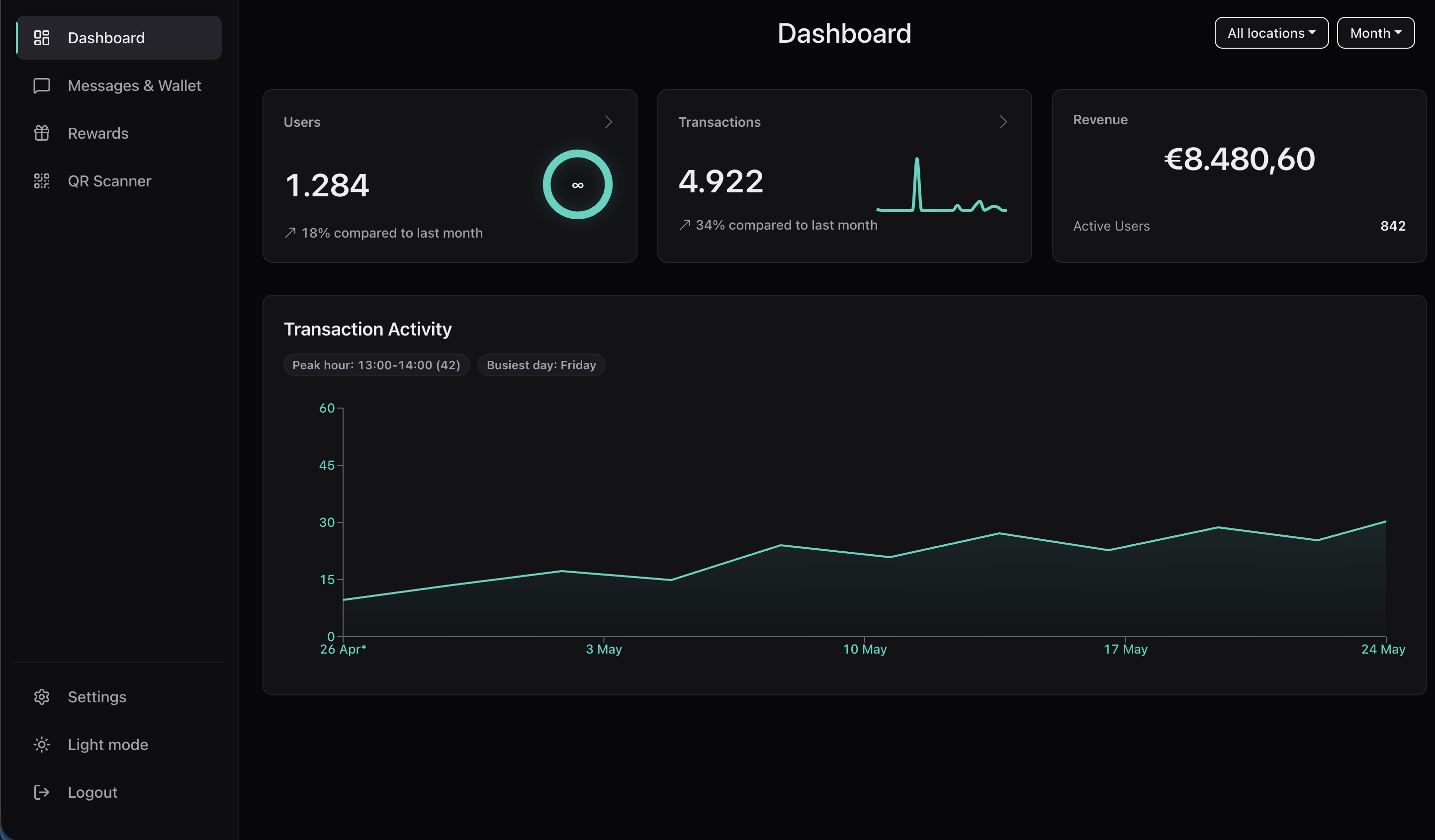
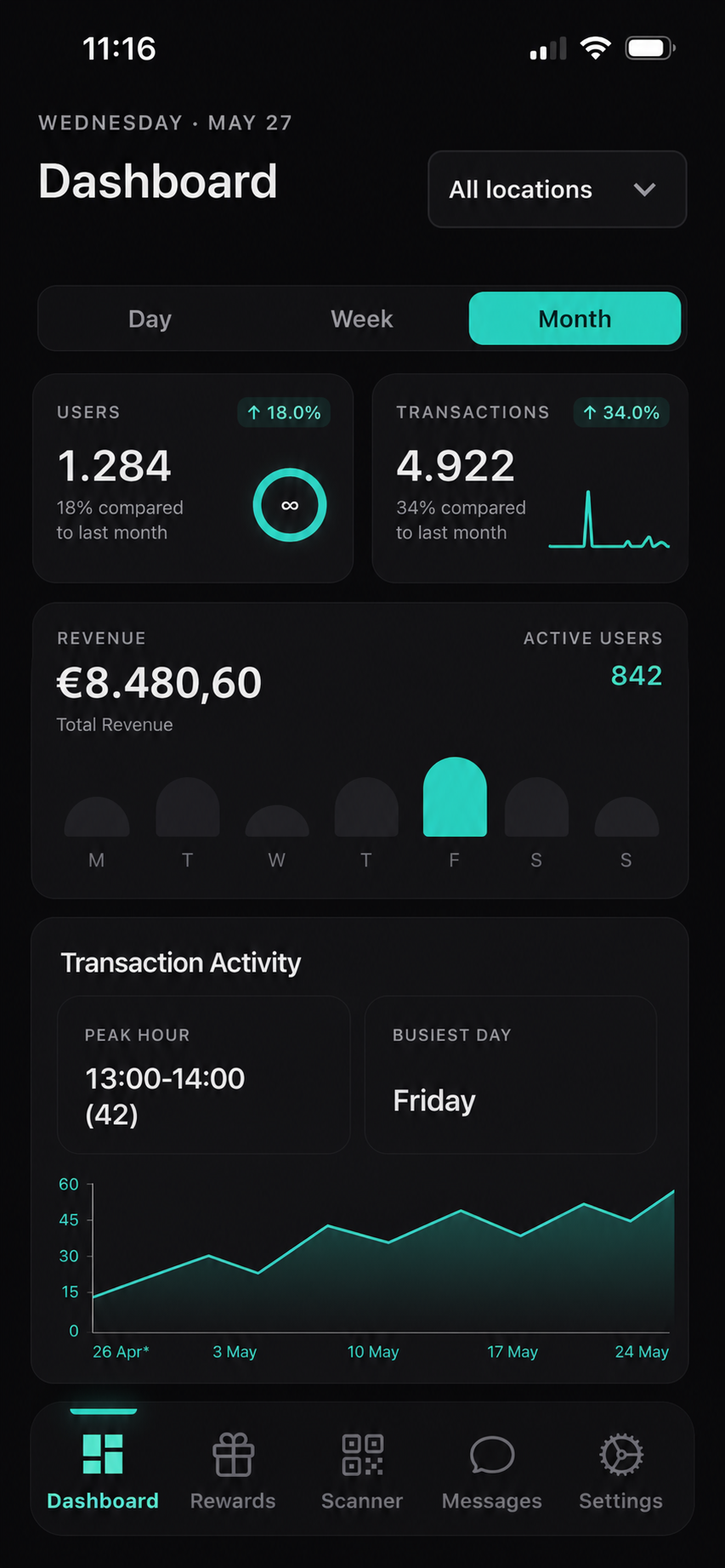
Dashboard is where the business understands what Wallet Pass and Scanner are doing together, from customer activity to rewards and scan history.
See customer activity, wallet status, points, and visit history in one owner view.
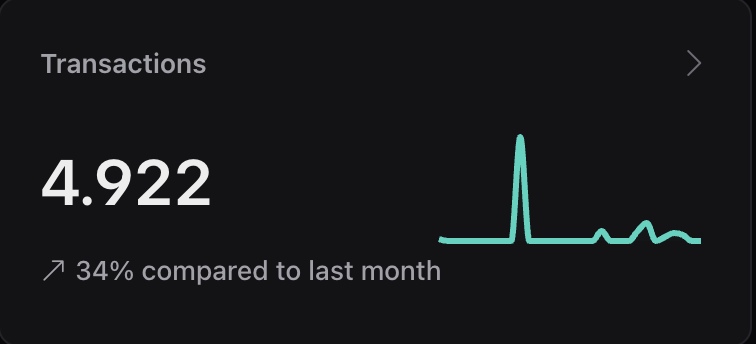
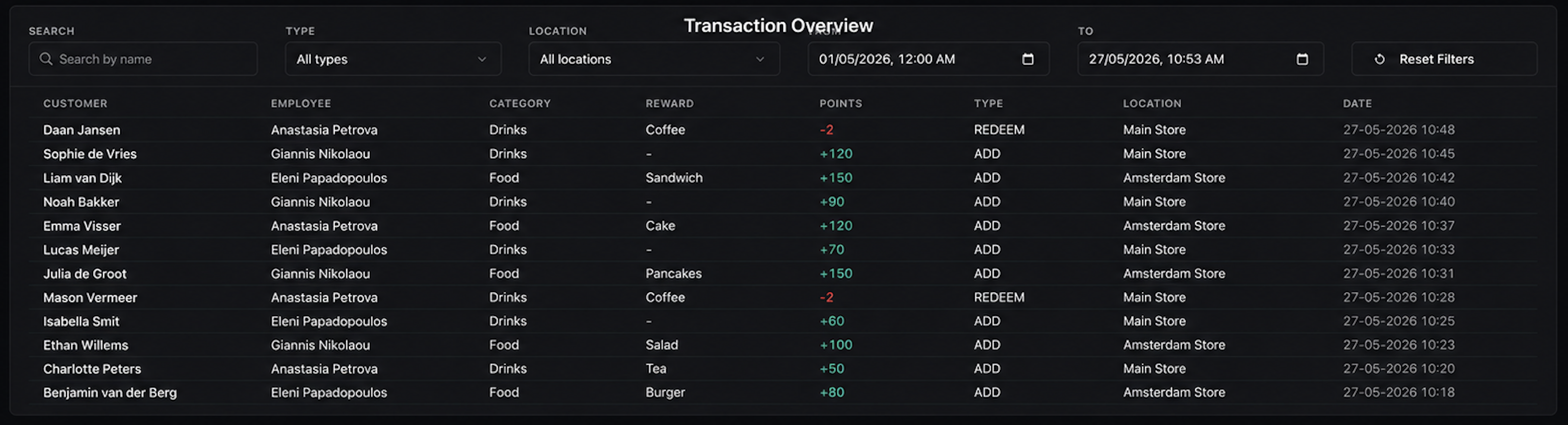
Track scans, redemptions, customer movement, and the loyalty actions that matter.
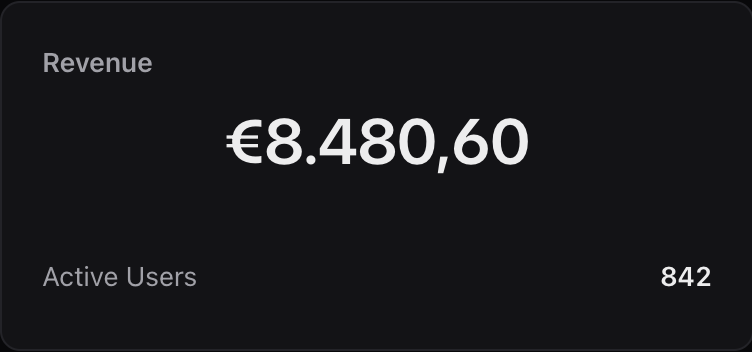
Connect customer activity with revenue and active-user signals owners can understand quickly.
Owners can move from daily activity to practical changes: rewards, scan rules, locations, and staff access.
Start with scans, customers, rewards, and current activity.
Review transactions and scan activity from the latest customer visits.
Adjust rewards, scan rules, locations, and staff access from the same control center.
Use the dashboard to understand whether loyalty actions are producing repeat visits.
Wallet pass saves, scanner actions, rewards, and customers live in one operating view.
Owners can inspect recent scans and redemptions without waiting for a manual report.
Rewards, scanning type, limits, locations, and team access stay close to the data.
The same dashboard can support a single location or a more complex multi-location setup.
The dashboard focuses on the business overview: recent scan activity, customers, rewards, and the operational signals owners check often.
Connect the dashboard with Wallet Pass, Scanner, rewards, customers, and team workflows.